Implementation guide
A dedicated documentation portal covers SDK install, authentication, endpoints, errors, quotas, security rules, and release process.
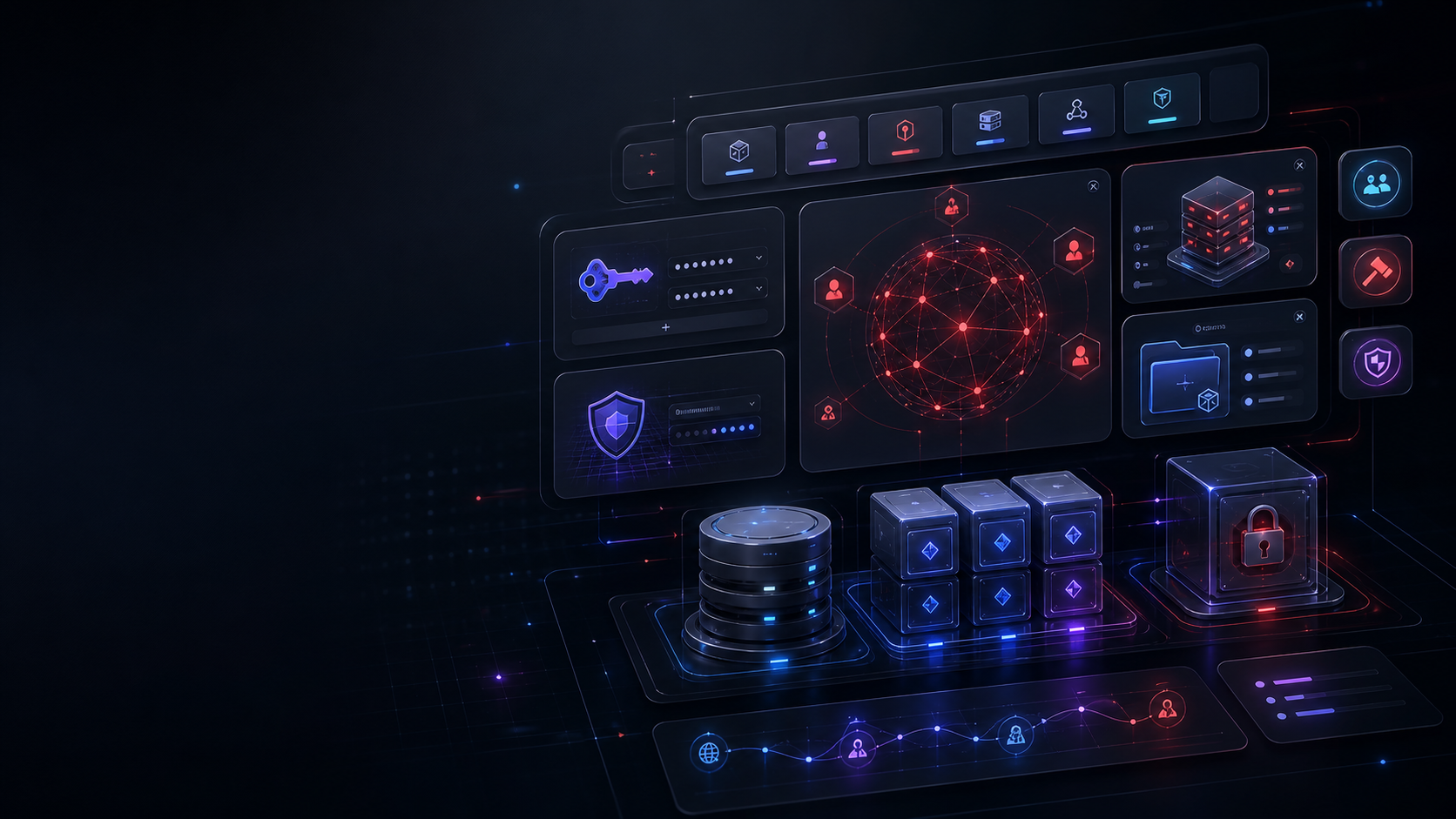
Independent Roblox developer infrastructure
A premium developer platform for Roblox studios that need live configuration, shared moderation, player intelligence, secure API keys, SDKs, and operational visibility across multiple experiences.
Product map
The platform is split into dedicated pages so auth, dashboarding, API reference, pricing, Studio tests, and key management each have room to breathe.
A dedicated documentation portal covers SDK install, authentication, endpoints, errors, quotas, security rules, and release process.
Live account data, key usage, audit logs, storage buckets, billing status, and activity simulation live on a dedicated dashboard URL.
Experience config, cross-game bans, entitlements, inventory snapshots, quest templates, session analytics, feature flags, player segments, leaderboards, cooldowns, player intel, vault storage, group sync, webhooks, and economy guard each expose endpoint details and Lua samples.
Status and release notes make platform changes visible instead of hidden in scattered messages.
Platform standard
Each shipped module needs documentation, SDK coverage, live API telemetry, security behavior, and a visible path from Studio setup to production use.
Roblox Lua and JavaScript clients are hosted and versioned alongside the API surface.
Keys are one-time reveal, hashed at rest, tracked per request, and locked behind 2FA creation.
Request logs, audit events, storage usage, status history, and changelog entries keep work traceable.
Launch track